
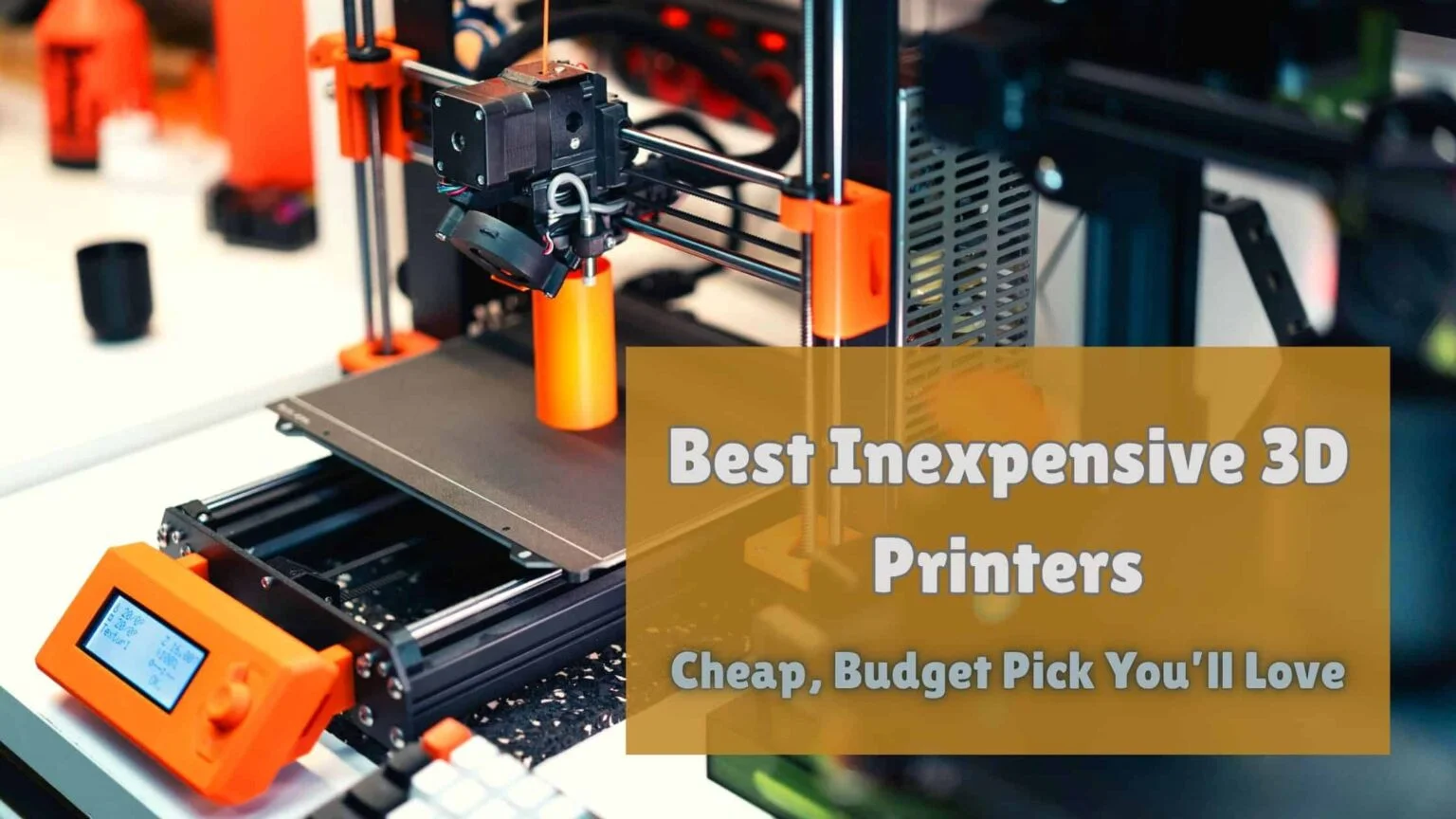
Best Budget 3D Printer UK For Beginners: Must Read Before You Buy!
When I first started exploring 3D printing, I thought it was only for professionals or people with deep pockets. But after years of testing and comparing machines, I’ve realised that finding the best budget 3D printer in the UK for beginners isn’t just possible—it’s actually easier than ever. Many features that were once found only in high-end models have now made their way into affordable, entry-level 3D printers.
We personally buy, unbox, and test each printer we review—no sponsored units, no freebies. Every model spends weeks, sometimes months, in our workspace as we push it through real-world tasks: from setup to calibration, filament changes, and printing detailed models. This hands-on approach helps us truly understand what makes a low-cost 3D printer great for someone just starting out.
If you’re a beginner, you probably don’t want to drop hundreds or thousands of pounds straight away. Maybe you’re curious about 3D printing as a hobby, or perhaps you want to start a small creative work. Either way, investing in an affordable 3D printer gives you the chance to learn, experiment, and create—without draining your budget.
Over the years, we’ve tested dozens of 3D printers—from compact beginner models to advanced prosumer setups. We look at print quality, ease of setup, speed, noise, and long-term reliability. Some of the most impressive machines we’ve tested, like the Creality Ender-3 V3, deliver stunning results at a price that would’ve been unthinkable a few years ago.
In this guide, we’ll share our experience with the top entry-level 3D printers in the UK, explain what to look for, and help you choose a printer that’s perfect for your skill level, budget, and creative goals.
Best Budget 3D Printer UK For Beginners At A Glance
| Budget 3D Printer UK For Beginners | Max Print Speed | Filament Support | Reason To Buy |
|---|---|---|---|
| Bambu Lab A1 Mini | Standard | PLA, optional colour (AMS Lite) | Easy setup, quiet, smooth operation, great for experimenting with colours |
| Creality Ender-3 V3 SE | Standard | PLA, ABS, flexible filaments | Affordable, reliable, large support community, great for learning adjustments |
| Flashforge Adventurer 5M | Up to 600 mm/s | PLA, ABS | Safe and quiet, fast prints, ideal for controlled filament use |
| Elegoo Neptune 4 | Up to 500 mm/s | PLA (other filaments optional on Plus) | Fast, dependable, modern firmware, great for beginners with room to grow |
| AnkerMake M5C | Up to 500 mm/s | PLA, ABS, flexible filaments | Convenient app control, consistent first layers, fast and modern user experience |
Exploring The Right Kind of Best Budget 3D Printer UK For Beginners
Over the past few years, I’ve noticed a huge improvement in the overall quality of affordable 3D printers. When I first started testing them, even basic models were tricky to handle — print-bed levelling took ages, and removing finished prints often felt like wrestling plastic off a hot plate. But now, with the latest low-cost 3D printers, many of those problems have been fixed. Automatic bed levelling has become a standard feature, and flexible build plates make removing prints so much easier.
Most brands have also improved their 3D printing software, which makes a massive difference for beginners. You no longer need to use multiple apps just to get your design printed. Many manufacturers either develop their own simple software or build on open-source platforms like UltiMaker Cura. From resizing and rotating objects to slicing and printing, everything is now part of one smooth process. Even with an entry-level 3D printer, I find it easy to get reliable prints without too much tinkering.
One thing I quickly learned is that higher-priced 3D printers don’t always mean better results for beginners. What usually changes is the build volume, frame type, filament compatibility, and connectivity options. For instance, if you’re planning to print large models, an open-frame printer usually gives better value for money. They often provide a higher build capacity compared to some closed-frame printers in the same price range.
Filament support is another key factor I pay attention to. Most budget 3D printers are compatible with PLA filament, which is great for beginners since it’s affordable, safe, and easy to print with. Some models also support ABS or even flexible and composite filaments, but that’s usually seen in slightly pricier models. For a first-time user, though, starting with PLA is more than enough to create detailed, durable prints.
Overall, choosing the best budget 3D printer in the UK for beginners depends on balancing features with what you actually plan to print. From my testing experience, I can confidently say that today’s entry-level options offer far more reliability, user-friendliness, and print quality than ever before — all without stretching your budget.
Best Budget 3D Printer UK for beginners: Tried and Tested Models
Why you can trust Best 3D Printer UK: Our expert reviewers spend hours testing and comparing products and services so you can choose the best for you. Find out more about how we test.
Bambu Lab A1 Mini cheap 3D printer for beginners
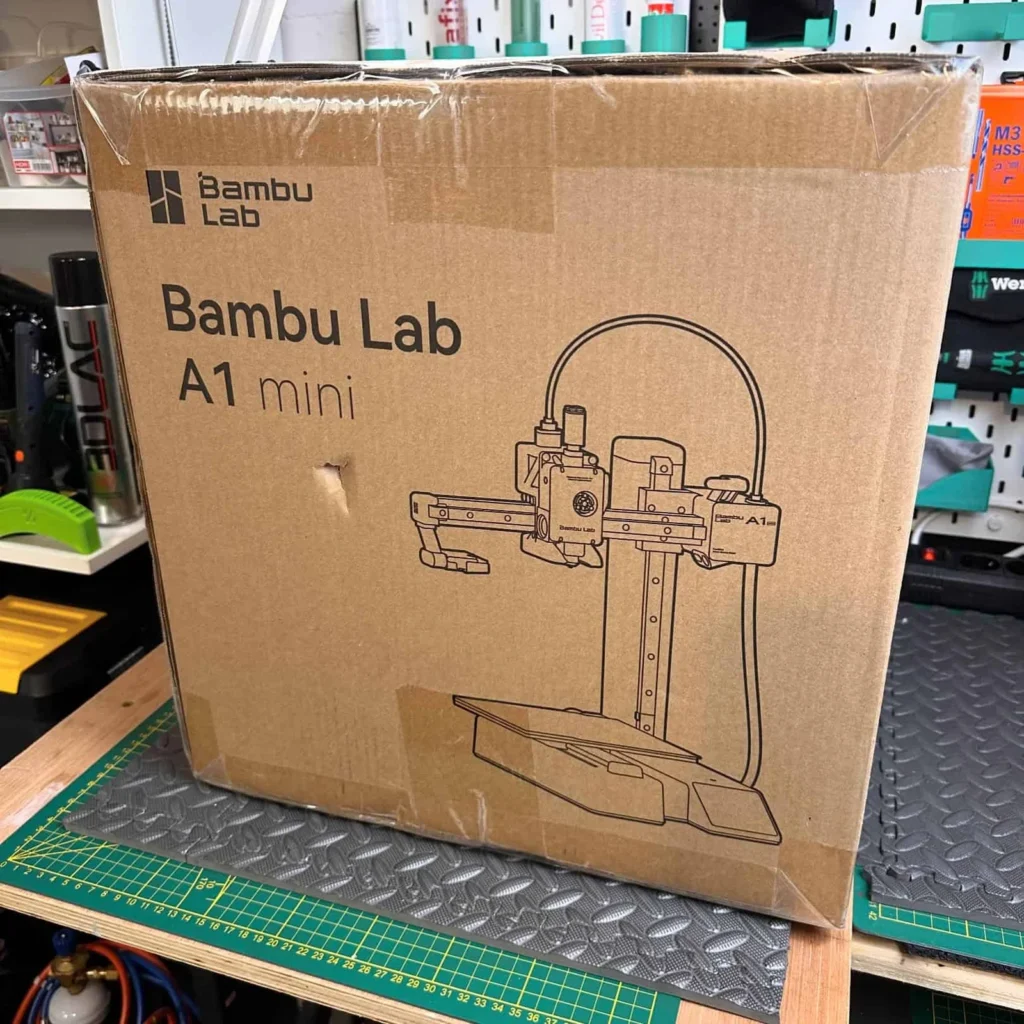
I purchased the Bambu Lab A1 Mini to see how well a beginner-friendly, budget 3D printer could handle daily printing tasks. From the moment I unboxed it, I was impressed by how straightforward the setup was. The printer comes with fully automated calibration, which means it manages nozzle pressure, bed levelling, and vibration adjustments on its own. For me, this took away the usual stress of tinkering with settings, and I could start printing almost immediately.
One of the first things I noticed was how quiet it runs. With active motor noise-cancelling technology, it stays under 48dB in quiet mode. I was able to leave it running without any distractions or interruptions, which is a big plus for anyone like me who wants a 3D printer in a shared living space.
The optional AMS Lite upgrade is another feature I appreciated. It allows printing in colours without complicating the process, which is perfect for beginners who want more creative freedom. I tested a few colour prints, and the results were impressive for a printer in this price range.
Price-wise, the Bambu Lab A1 Mini is very reasonable. The base model starts around £169, and the Combo bundle with AMS Lite costs about £299 through Bambu Lab UK. Considering the level of automation, print quality, and quiet operation, I feel this cheap budget 3D printer in the UK is an excellent choice for beginners.
For anyone starting out or looking for a reliable entry-level 3D printer that doesn’t require hours of setup and still delivers great results, the Bambu Lab A1 Mini is definitely worth investing in. I found it smooth, efficient, and genuinely fun to use.
Creality Ender-3 V3 SE

I purchased the Creality Ender-3 V3 SE to test a truly beginner-friendly, low-cost 3D printer, and I was pleasantly surprised by how well it performed. Right out of the box, setup was simple thanks to its CR-Touch auto-leveling system. I didn’t have to manually adjust the bed — the strain sensor handles everything, which made my first print stress-free and accurate.
One of the features I really like is the Sprite Direct Extruder. It allows me to use a wider range of filaments than previous Ender models, so I could experiment beyond just PLA. Printing flexible or slightly tougher filaments worked smoothly, which is a big plus for a beginner like me who wants room to grow in 3D printing.
The upgradable design is another thing I appreciate. Creality has a huge community, so there’s plenty of support and ideas for modifications if I ever want to enhance performance or try new printing techniques. Even without upgrades, the printer delivers excellent results for everyday use.
For its price, starting reasonable from Creality UK, the Ender-3 V3 SE offers incredible value. It balances affordability, usability, and functionality, making it an ideal choice for someone starting 3D printing. I found it reliable, consistent, and surprisingly quiet, which makes it easy to leave running without worrying about noise.
Overall, for beginners or anyone on a budget, the Creality Ender-3 V3 SE is a standout option in the UK market. I can confidently recommend it to anyone who wants a budget 3D printer that works out of the box and still offers room to grow and experiment as you gain experience.
Flashforge Adventurer 5M

I purchased the Flashforge Adventurer 5M to test a beginner-friendly printer that could handle a wider range of filaments, and I was genuinely impressed. From the moment I unboxed it, I could tell it was designed with novices in mind. The one-click auto-leveling made setup effortless, so I didn’t have to spend time manually calibrating the bed. This feature alone made my first prints smooth and stress-free.
One of the things I appreciated most is the enclosed frame design. It gives me peace of mind when printing with materials like ABS that require a controlled environment. The enclosure helps manage emissions and keeps the noise low, which is perfect for using the printer in regularly without disturbing others.
The high-speed printing also stood out to me. The Adventurer 5M can print at speeds up to 600 mm/s, and I noticed that my prints came out quickly without sacrificing detail. For a beginner like me, this combination of speed and reliability made the learning process more fun and encouraging.
Price-wise, it’s very reasonable. Starting at about £229 and available through Amazon UK, it offers a great balance of features for anyone looking for a budget 3D printer in the UK for beginners.
Overall, the Flashforge Adventurer 5M exceeded my expectations for an entry-level printer. It’s quiet, safe, and capable of handling multiple filament types while keeping setup simple. For beginners who want a reliable, easy-to-use printer that delivers consistent results, I can confidently recommend the Adventurer 5M. It made my first experience with 3D printing smooth, enjoyable, and productive.
Elegoo Neptune 4

I purchased the Elegoo Neptune 4 to test an affordable printer that combines speed and reliability, and I was genuinely impressed by its performance. Right out of the box, it was easy to set up, and the pre-installed Klipper firmware immediately stood out. For a beginner like me, having firmware that enhances print quality and speed without complex tweaking made the learning process much smoother.
One of the features I really appreciated is the high print speed. The Neptune 4 can print at up to 500 mm/s, which meant my models were ready much faster than I expected. Even with detailed prints, the results came out clean and precise, making it satisfying to use and giving me confidence in my first 3D printing projects.
Another aspect I liked is the flexibility with build volume. While the standard Neptune 4 is compact and perfect for everyday projects, the Neptune 4 Plus and other larger options allow me to take on bigger prints whenever I want. This makes it easy for beginners to start small but still have room to grow as they gain experience.
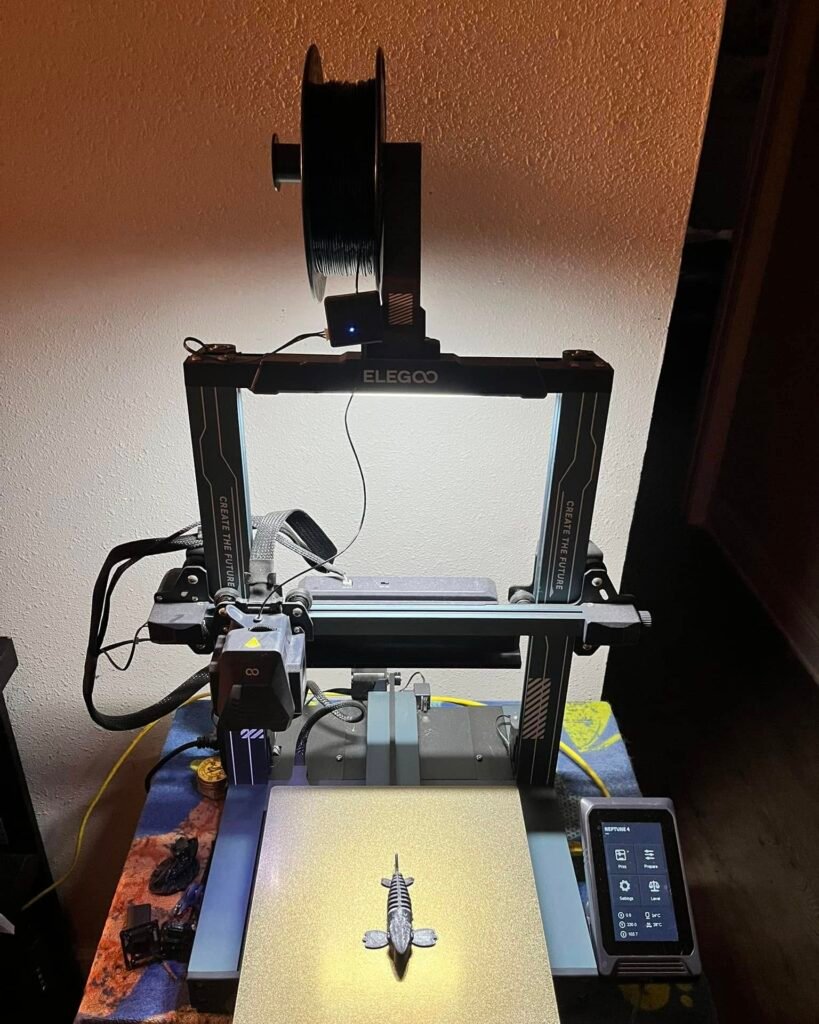
In terms of price, it’s very reasonable. Starting at around £187, the Elegoo Neptune 4 offers excellent value for a budget 3D printer in the UK for beginners.
Overall, I found the Elegoo Neptune 4 to be fast, dependable, and very beginner-friendly. It combines modern features like Klipper firmware with an accessible price and smooth performance. For anyone just starting with 3D printing, this printer makes the process easy, enjoyable, and productive. From my experience, it’s a reliable choice that delivers high-quality results without the hassle.
AnkerMake M5C

I purchased the AnkerMake M5C to explore a beginner-friendly printer that focuses on speed and mobile convenience, and I was very impressed. Right out of the box, setup was straightforward, and I immediately appreciated the app-based control system. I didn’t need an integrated touchscreen—everything runs smoothly through the AnkerMake app on my phone. This made managing prints and adjusting settings incredibly easy, especially for someone like me who prefers mobile control.
One of the first things I noticed is the high-speed printing. The M5C can print at speeds up to 500 mm/s, which means my models were ready much faster than on other beginner printers I’ve tested. Despite the speed, the quality remained excellent. The 7×7 auto-leveling system ensured a perfect first layer every time, giving me consistent, reliable results without having to tweak anything manually.
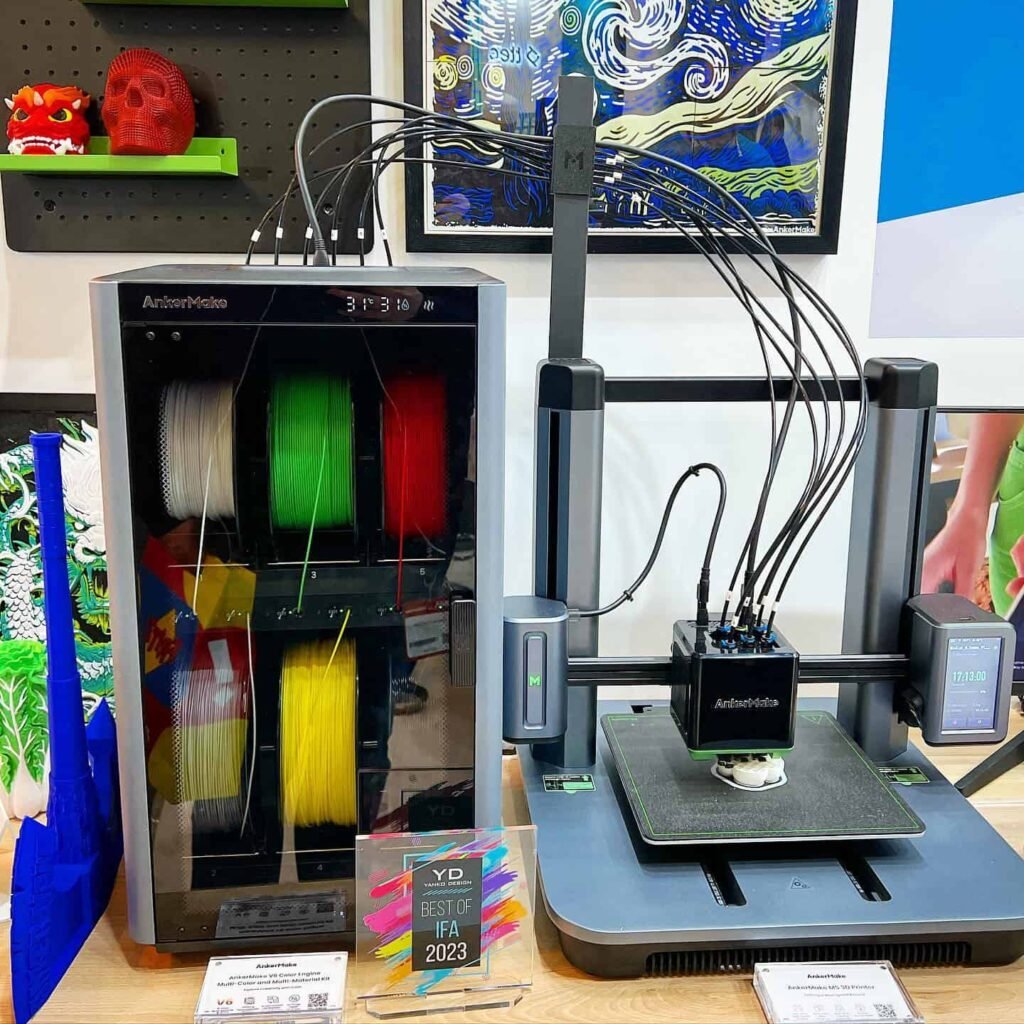
Another feature I found useful is the mobile-first design. Being able to monitor, pause, or adjust prints from my phone made the whole process feel more modern and convenient. I could leave the printer running and check progress without standing over it constantly.
Price-wise, the AnkerMake M5C is slightly higher than some other beginner options, starting around £399 on Amazon UK, but I feel it’s worth it for the speed, ease of use, and app-based control.
Overall, the AnkerMake M5C proved to be fast, reliable, and beginner-friendly. From my experience, it’s perfect for novices who want a budget 3D printer in the UK that combines modern mobile control with excellent print quality. I found it smooth, efficient, and very enjoyable to use, making it a strong choice for anyone starting in 3D printing.
How We Test
When I review a budget 3D printer in the UK for beginners, I don’t rely solely on specifications or marketing claims. I purchase, unbox, and spend hours testing each printer, sometimes for several weeks, to see how it performs in real-world conditions. My goal is to find printers that are genuinely beginner-friendly, reliable, and affordable.
The first thing I focus on is setup and calibration. I check how easy it is to assemble the printer, whether the instructions are clear, and how well features like auto-leveling work. A good beginner printer should allow someone with little experience to start printing without frustration. For example, printers like the Bambu Lab A1 Mini or the Creality Ender-3 V3 SE make this step smooth and stress-free.
Next, I evaluate print quality and speed. I run multiple test prints using standard filaments like PLA and, when possible, more advanced filaments. I check the accuracy of details, surface finish, and layer consistency. I also monitor the printing speed—high-speed printers like the Elegoo Neptune 4 or AnkerMake M5C can save beginners a lot of time without sacrificing quality.
Noise and usability are also key factors. I observe whether the printer operates quietly enough for regular use and how intuitive the software or app interface is. Beginners should be able to control the printer easily, whether through a touchscreen, app, or pre-installed software like Klipper firmware.
Finally, I assess reliability over time. Each printer undergoes repeated test prints to see how it handles long sessions, filament changes, and small adjustments. This helps me identify models that are consistent and trouble-free for newcomers.
By combining practical testing with careful evaluation, I can confidently recommend the best budget 3D printers for beginners in the UK. Every printer I feature has passed these real-world tests, ensuring you get a machine that’s easy to use, reliable, and perfect for starting your 3D printing journey.
FAQ’s: Best Budget 3D Printer UK For Beginners
Is it worth buying a cheap 3D printer?
Yes, a cheap 3D printer is worth it for initials, hobbyists, or educational use. A low-cost 3D printer lets you explore 3D printing without spending too much. It’s a smart way to learn, experiment, and create before investing in more advanced machines.
Are 3D printers expensive to operate?
No, 3D printers are not expensive to run. The main costs are filament, electricity, and basic maintenance. For most users, these are minimal. Power usage is low, and filament is affordable, making the overall 3D printer operating cost quite reasonable for hobbyists and regular use.
What’s better, resin or filament 3D printer?
Filament 3D printers are better for strong, large, and practical prints. Resin 3D printers offer smoother finishes and high detail. Choosing between resin or filament depends on your needs—go for resin for accuracy, or filament for durability and size. Both have unique strengths.
How much should I spend on my first 3D printer?
If you’re a beginner or just exploring 3D printing, a good entry-level 3D printer in the £100 to £400 range is often enough. These budget-friendly models offer solid print quality and are easy to use, perfect for learning the basics. However, if you’re looking for higher-quality prints or want extra features like faster speeds or multi-material support, you may want to invest £400 to £800 or more. It depends on your goals—whether it’s a hobby or a step toward professional use.
How to choose a first 3D printer?
To choose your first 3D printer, focus on your budget, project type, and how you’ll use it. Consider the printer size, open or enclosed design, whether you want filament (FDM) or resin (SLA), and check for features like auto-bed leveling, print quality, and ease of use. Also, look for good software support and an active community. A solid beginner 3D printer buying guide will help you compare options and find the best 3D printer for beginners based on your needs.
What to buy to start 3D printing?
To start 3D printing, you’ll need more than just the printer. A 3D printer starter kit for beginners should include:
Extra filament (PLA is great for starters)
Wire cutters for trimming prints
Scraper or spatula for removing prints
Paper towels and alcohol for cleaning the bed
Dremel or file for post-processing
Spare glass or PEI plate
Flashlight for detailed inspection
Water bucket and pump if using resin and a dissolving kit
Notebook and pencils to jot down print settings and ideas
Knowing what to buy to start 3D printing helps you avoid delays and improve your early experience. These are the must-have 3D printing essentials for beginners.What should I 3D print for the first time?
If you’re wondering what to 3D print for the first time, start with something simple and useful—like a phone stand or cable organizer. These are great first 3D print ideas because they’re easy to design, quick to slice and print, and help you learn the basics of 3D printing for beginners—including setup, slicing, and post-processing. Plus, they’re practical items you’ll actually use.
Related Resources:
- Best 3D Printer For Home Use UK
- Best 3D Printer For Small Business UK
- Best 3d Printer For Kids UK
- Best Multicolor 3D Printer UK

Joel Expert
Joel combines a background in mechanical design with a genuine love for 3D printing. He’s spent years fine-tuning print settings, testing slicing software, and experimenting with different filaments. At Best3DPrinter.co.uk, Joel ensures every review is fact-checked, easy to understand, and backed by real testing — reflecting true expertise and trustworthiness.

Thomas Expert
Thomas is the lead author at Best3DPrinter.co.uk, bringing years of hands-on experience testing printers across various price ranges. His reviews are built on real usage, not press releases. Thomas personally unboxes, calibrates, and prints with each model, ensuring every recommendation reflects genuine experience, expert understanding, and complete transparency.

Smith Technologist
Smith is a 3D printing technologist with deep knowledge of resin, filament, and print material compatibility. With over 6 years of lab testing experience, he evaluates how printers handle different materials, temperature settings, and layer adhesion — ensuring each model delivers consistent print quality and real-world durability.